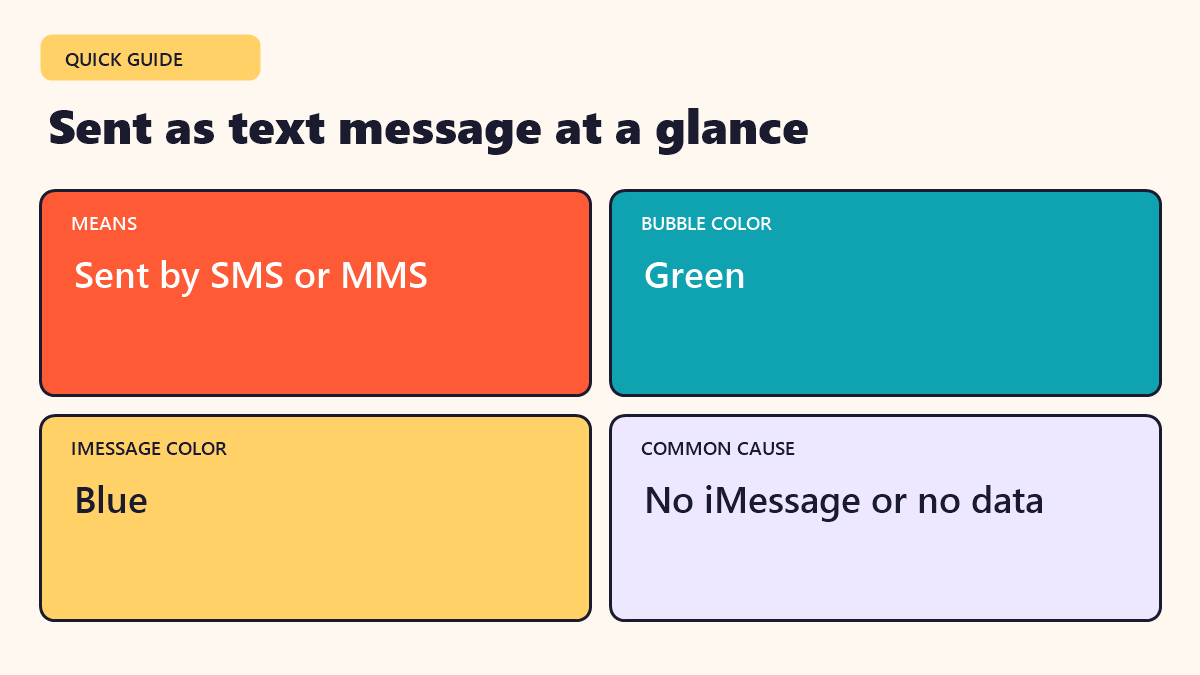
Quick answer: “Sent as Text Message” means your iPhone sent the message by regular SMS or MMS, not by iMessage. The bubble turns green. It usually happens when the other person does not use iMessage or when your internet connection is weak.
Featured image: Photo by freestocks on Unsplash
You send a message on your iPhone and see the small words “Sent as Text Message” under it. The bubble is green, not blue. What happened? This guide explains in simple words why it shows up, what changes and how to fix it if you want iMessage back.
In this guide
What does “Sent as Text Message” mean?
Your iPhone can send messages in two ways. One is iMessage, which uses the internet and shows a blue bubble. The other is SMS or MMS, the old text message system that uses your phone carrier and shows a green bubble. When you see “Sent as Text Message,” the phone chose the second way.
It is a notice, not an error. The message was sent, but through a different route.
Blue bubbles vs green bubbles
| Feature | iMessage (blue) | SMS or MMS (green) |
|---|---|---|
| Needs | Apple devices and internet | A phone number and mobile signal |
| Read receipts | Yes, if turned on | No |
| Typing indicator | Yes | No |
| Photo and video quality | High | Often compressed |
| Encryption | End-to-end | Not end-to-end |
| Works with Android | No | Yes |
Because of these differences, many people like blue bubbles. But SMS has an advantage too: it works with almost every phone in the world.
Why does it happen?
- The other person does not use iMessage. This is the most common reason, for example if they have an Android phone.
- iMessage is turned off. It might be off on your phone or theirs.
- No internet. iMessage needs Wi-Fi or mobile data. If your connection is weak, your phone may fall back to SMS.
- A temporary problem. Apple’s service or the recipient’s device may be briefly unavailable.
- Number problems. A wrong or changed number can break the link.
How to fix it
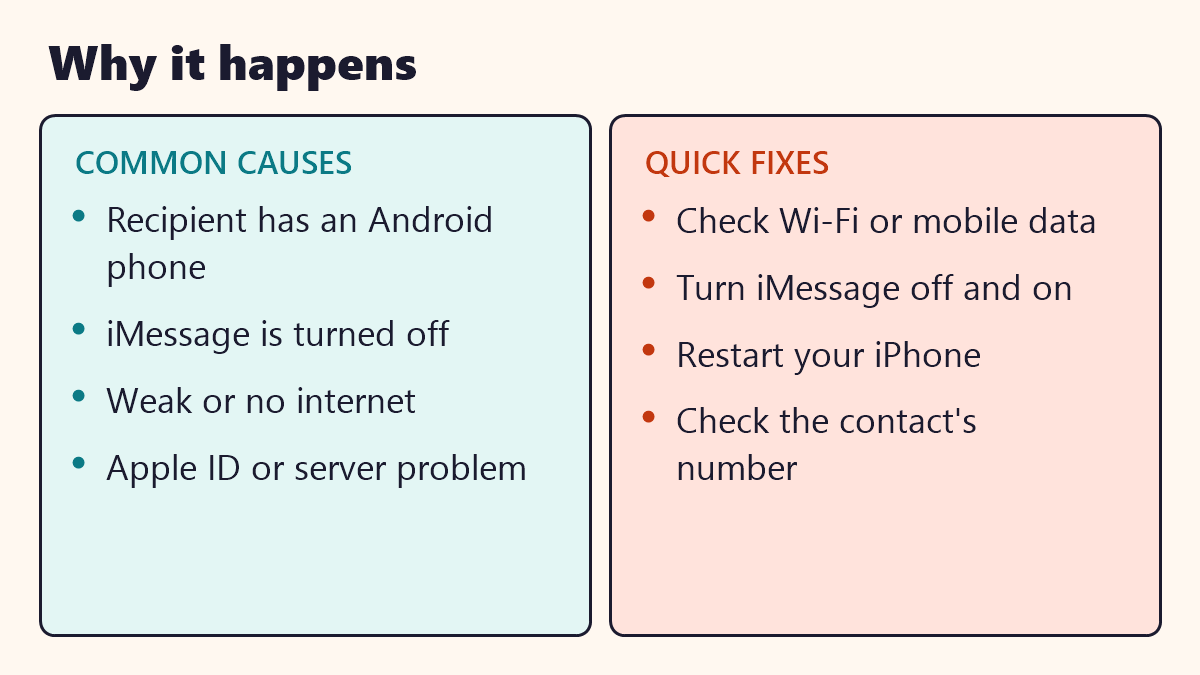
- Check that your Wi-Fi or mobile data is working.
- Open Settings, Messages and make sure iMessage is on.
- Turn iMessage off, wait a few seconds and turn it on again.
- Restart your iPhone.
- Check that the contact’s number is saved correctly.
- Update your iPhone to the latest iOS version.
If the other person uses an Android phone, there is nothing to fix. Messages to them will always go out as text messages.
What if it keeps happening with an iPhone user?
Ask your friend to check three things: iMessage is on, their phone has internet and their number is listed under “Send and Receive” in Settings. Sometimes a recent change of SIM card or phone number can break the link for a while.
Is it a sign that I am blocked?
Not on its own. People sometimes worry that green bubbles mean someone has blocked them, but a block works differently. If you have been blocked, your messages may stay as “Delivered” or not show a status at all, though even that can have other causes. Do not jump to conclusions from one green bubble.
Does a text message cost money?
Many phone plans include unlimited SMS, but some plans or international rates may charge. If you are traveling or on a limited plan, check with your carrier before sending lots of photos by MMS.
Staying safe with text messages
- Be careful with links from unknown numbers, even in green bubbles.
- Do not share codes or passwords by text.
- Remember that SMS is not end-to-end encrypted.
- Use an app with encryption for private talks if you need extra privacy.
Common mistakes
- Thinking green means broken. It only means a different route was used.
- Assuming a block. Many harmless things can cause the notice.
- Ignoring data costs. MMS photos can use your plan.
- Forgetting to check settings. A quick toggle often solves the issue.
Key takeaways
- “Sent as Text Message” means the message went by SMS or MMS, not iMessage.
- Green bubbles are texts and blue bubbles are iMessages.
- Android recipients always receive green bubbles.
- Turn iMessage off and on, check your connection and restart if needed.
- It is rarely a sign of blocking.
Frequently asked questions
What does Sent as Text Message mean on iPhone?
It means the message went out as an SMS or MMS over your phone carrier instead of as an iMessage over the internet.
Why is my iPhone message green?
Green bubbles mean the message was sent as SMS or MMS. Blue bubbles mean iMessage.
Does Sent as Text Message mean I was blocked?
Not by itself. It usually means iMessage was not available. Many other reasons are more likely than blocking.
Do I pay extra for text messages?
Some phone plans charge for SMS or MMS. Most modern plans include them, but check your plan.
Can I send iMessages to an Android phone?
No. iMessage only works between Apple devices. Messages to Android phones go out as regular text messages.